FILM SIMULATION RECIPE
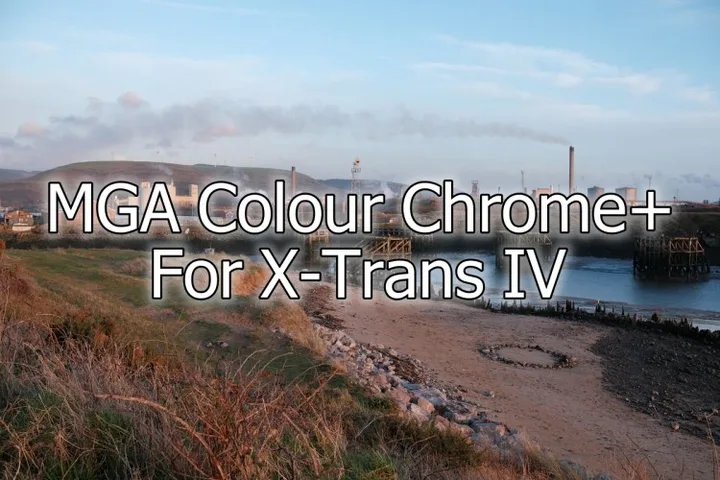
MGA Colour Chrome+
By Mark G Adams / One Camera One Lens
Recipe settings
- Film simulation
- classic chrome
- Dynamic range
- auto
- White balance
- auto
- Kelvin
- Not specified
- WB red
- 0
- WB blue
- 0
- Highlight
- -2
- Shadow
- -1
- Color
- 4
- Sharpness
- 0
- Noise reduction
- 0
- Grain
- off
Exposure compensation
0 EV or as needed. Set exposure compensation on the camera; it is a shooting tip, not a saved backup setting.
Using this recipe on the X-T2
The listed settings are within the X-T2’s supported ranges. Backup export checks your file and selected settings separately.
Source camera: Fujifilm X-Trans IV.
- Color Chrome Effect Strong (not available on X-T2)
Tags: everyday, vivid, daylight
Original source
Read Mark G Adams / One Camera One Lens’s original recipe
This independent library credits the original creators. A sample image may come from a different camera; it does not establish X-T2 backup compatibility.
Browse all recipes